
This guide describes the flow the end user experiences after receiving a new request.
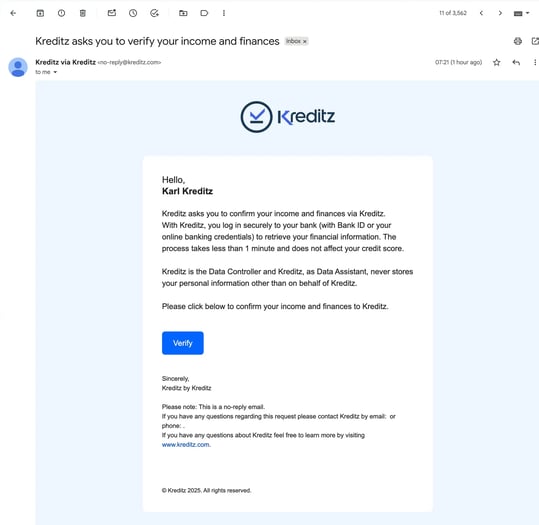
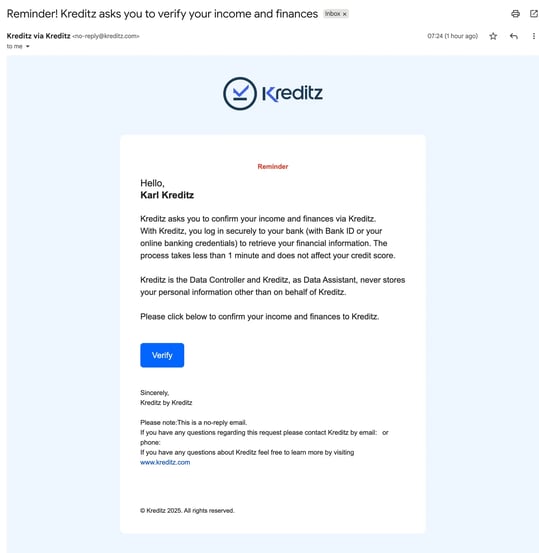
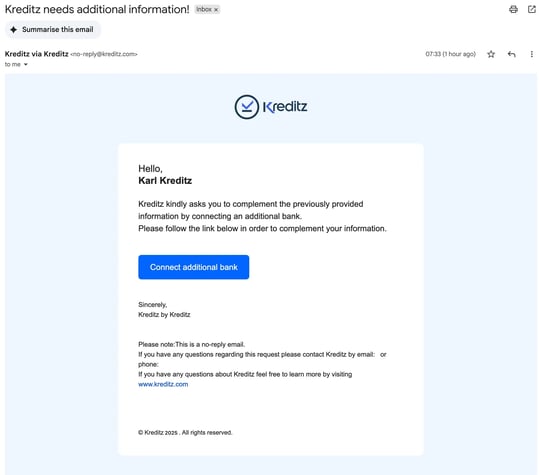
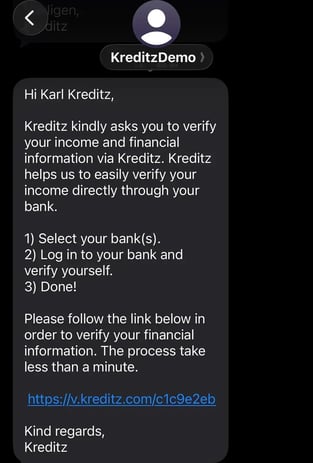
After you send a New Request, the end user will receive an email, an SMS, or both — depending on the delivery method you selected.
Each delivery method consists of three steps:
-
First Request
-
Reminder (optional)
-
Add Bank (optional)
The emails used in the request flow are fully customizable. You can tailor the appearance and content of each email to match your brand or communication preferences.
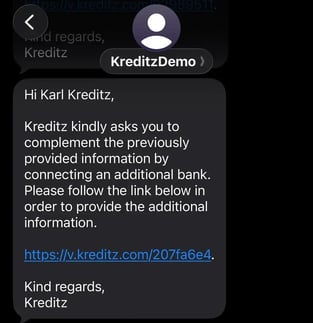
The SMS messages are customizable in terms of text content.
First Request (Default Template)
Reminder (Default Template)
Add Bank (Default Template)
SMS
First Request (Default Template)
Reminder (Default Template)
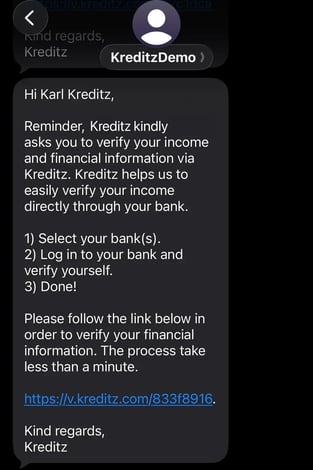
Add Bank (Default Template)
End-User Flow
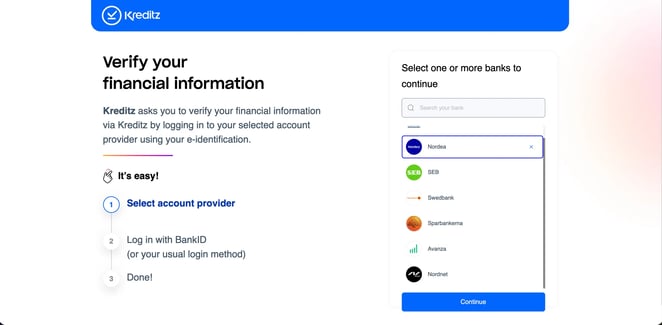
Landing Page
Once the end user has clicked on the link they received via email and/or SMS, they will be taken to the Landing Page.
Here, the user sees a list of available banks and selects the bank(s) they want to connect.
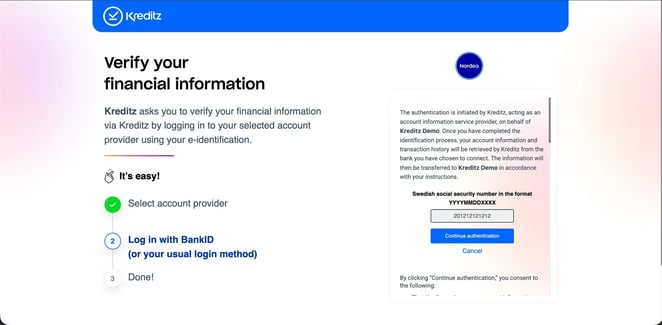
Consent Page
On this page, the end user enters the credentials required to authorize and establish the connection to the selected bank.
The user can also review the relevant consent agreements and policies before proceeding.
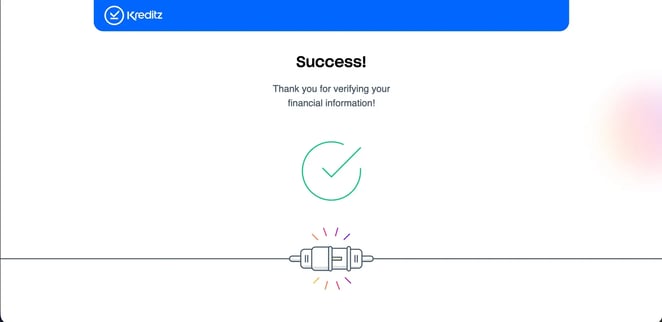
Success Page
This is the page the end user reaches after successfully connecting their bank. It confirms that the connection has been completed and the process can now continue.
Customization Options
All three pages in the flow can be customized. There are two levels of customization:
1. Light Customization
Layout remains unchanged. The following elements can be customized:
-
Text
-
Text color
-
Background color
-
Font
-
Logo
2. Full Customization
Complete customization is available if the client provides a full design.
👉 Contact your Customer Success Manager for more information about customization.